
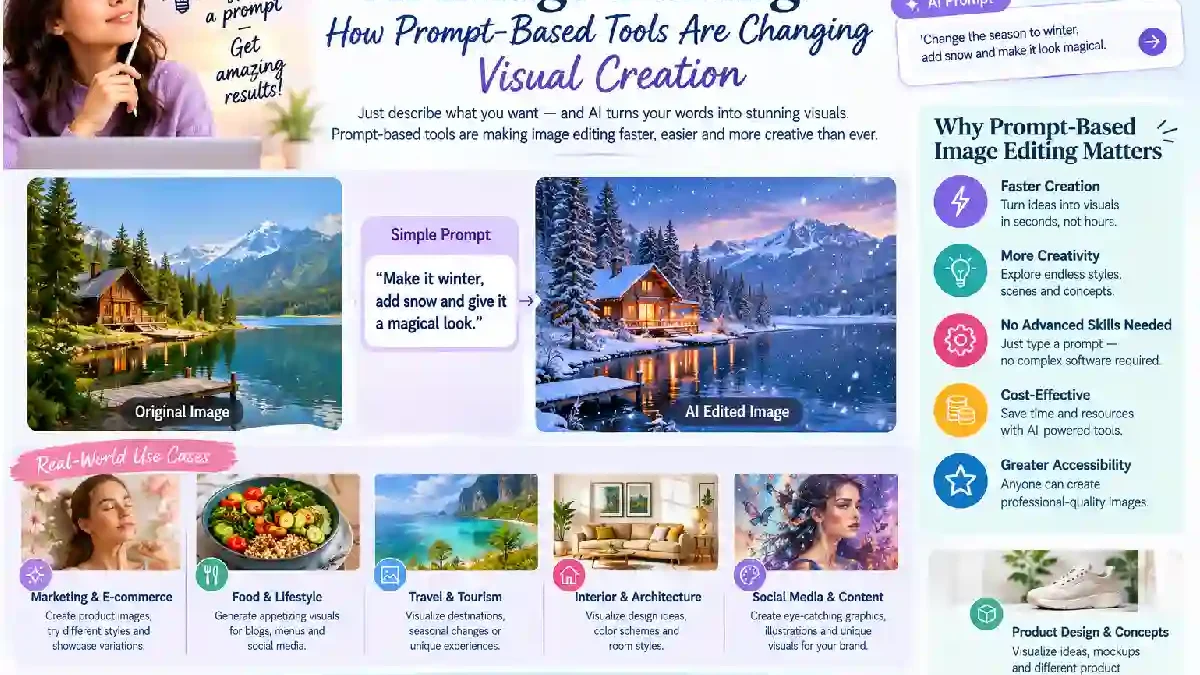
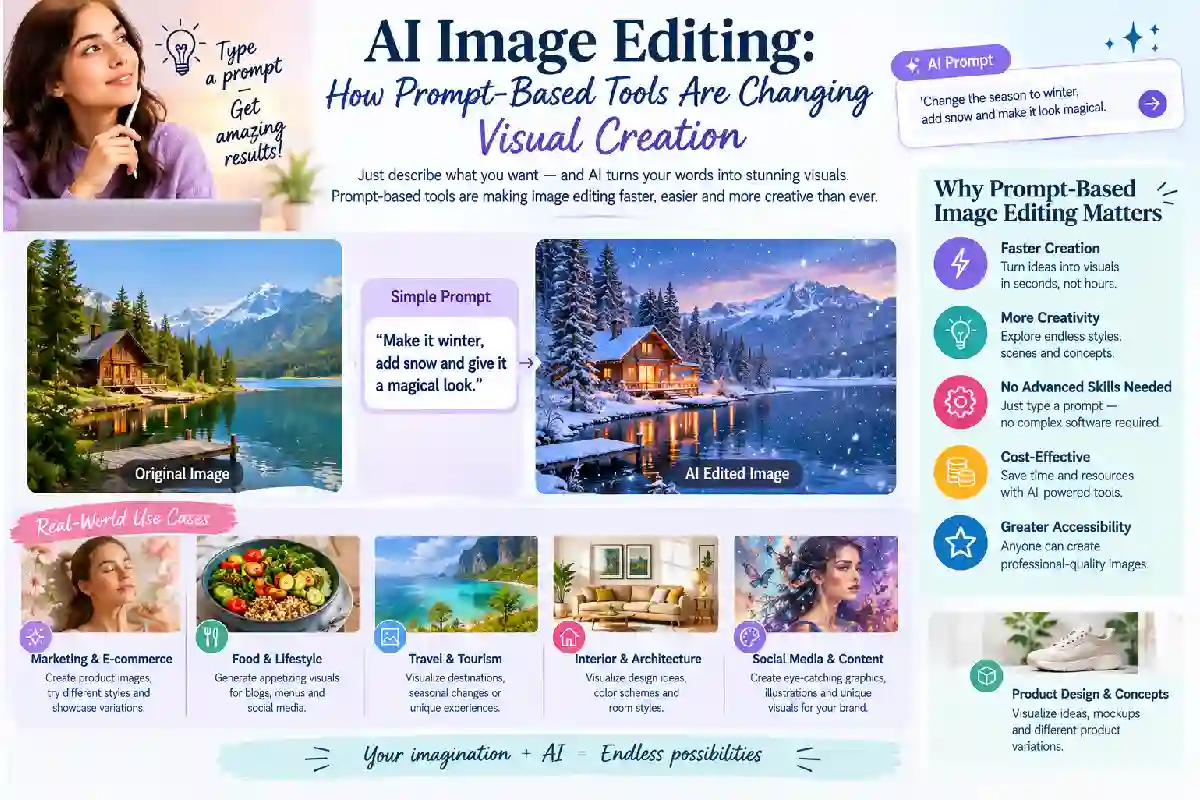
Let’s be honest. AI has totally shaken up how people make and edit digital images. Stuff that used to need deep photo-editing know-how? Now you can just type what you want. In plain words. No manually selecting objects. No wrestling with layers. No swapping backgrounds by hand or rebuilding whole compositions. You just describe the result. Then the AI creates or tweaks the image for you. Pretty wild, right?
One example of this bigger shift? Prompt-based editing tied to the Nano Banana family of models. Google describes Nano Banana as image-generation and editing tech. It sits inside the Gemini ecosystem. And other creative platforms? They offer their own interfaces and workflows for working with AI images.
Table of Contents
What Is Prompt-Based Image Editing?
Old-school editing leans hard on manual controls. Picture this. You want to make one pretty simple change. But first you’ve gotta understand selections. Masks and layers. Blending modes. Colour adjustments. Perspective tools. Exhausting, honestly.
Prompt-based editing takes a different route. You hand over an existing image. Then describe what should change. Easy. You might ask the AI to swap the background. Change the lighting. Get rid of some unwanted object. Switch up the visual style. Or move an element somewhere else.
Does that mean you can skip checking the result? Nope. Not even close. Here’s the deal. AI systems create their own take on your instruction. They’re not pulling up some hidden version of your original image. So details can sometimes change by accident. Especially with busy backgrounds. Faces. Text. Or objects overlapping each other.
Understanding Nano Banana and Its Image-Editing Role
The name Nano Banana is now tied to Google’s image-generation tech. Google introduced Nano Banana as an image-editing model built on Gemini 2.5 Flash. Then it rolled it out across several visual experiences.
Today’s AI image tools can handle a bunch of related jobs. Generating images from descriptions. Editing reference images. Keeping visual traits the same across rounds of changes. And making targeted edits.
Exploring these workflows? A Nano Banana 2.5 image editor fits right into the bigger world of AI-assisted visual editing. But heads-up. Different platforms might use different models, interfaces, or versions. So don’t treat a model or feature name as proof. It doesn’t mean every platform runs the exact same system. Trust me.
Common Uses for AI Image Editors
AI image editing comes in handy in loads of areas of digital content.
Background Changes
Swapping backgrounds is one of the most common editing jobs. Say you’ve got a product photo. But it needs a clean studio setting, not the original spot. AI tools can create or rebuild the surrounding area. Based on what you tell them.
Super useful for early design ideas. Social media graphics. Product mockups. And just playing around creatively.
Object Removal
AI can also help wipe unwanted stuff out of photos. A distracting sign. A random person. Some object or mark messing up an otherwise great image.
But here’s the catch. Removing objects means rebuilding what was behind them. If something covered part of a wall, table, landscape, or another subject? The AI has to guess what could realistically be there. So a convincing result isn’t the same as real recovered info. That stuff was never visible in the original photo. Keep that in mind.
Style Transformation
Another big use? Changing an image’s whole artistic look. A photo can shift toward an illustrated style. Cinematic. Painted. Cartoon. Or some other visual vibe.
Style changes are great when you wanna explore different creative directions. Without rebuilding the whole composition by hand.
Image Expansion and Reframing
Content gets published in tons of formats these days. Square social posts. Vertical mobile stories. Wide website banners. An image made for one format might not fit another. Annoying, right?
AI-assisted editing can help stretch out backgrounds. Or reframe compositions. So the important subjects stay visible. That cuts down a lot of manual rebuilding when adapting visuals for different platforms.
Why Prompt Quality Matters
How good an AI edit turns out depends a ton on your instruction. How clear is it? Vague prompts leave way too many decisions up to the system.
A good prompt usually covers a few things. The subject. The change you want. The visual conditions. And the stuff that should stay exactly the same. For example:
“Replace the background with a bright indoor studio while keeping the product shape, label, colour, and camera angle unchanged.”
That gives the system a clear editing goal. And it points out the important details to keep safe.
Working on something more complicated? Make one big change at a time. It’s way easier to judge results that way. Change lighting, background, composition, colours, and objects all at once? Good luck figuring out which instruction caused the weird result.
Human Review Is Still Important
AI image editing can look super realistic. But realistic doesn’t always mean accurate. Small details need a careful look. Fingers. Text. Logos. Reflections. Architectural lines. Facial features. Those sneaky little mistakes love hiding there.
Text needs extra attention, honestly. Even when AI can make readable lettering, mistakes still happen. So check spelling. Spacing. Numbers. Brand names. Any other important info. Before you publish anything. Don’t just trust it and move on.
Same goes for photos used for factual, educational, journalistic, or documentary purposes. Those need way more caution than purely creative art.
AI Editing and Traditional Design Workflows
Is AI editing gonna replace traditional design software? Not really. The two actually work great together.
AI’s handy for certain things. Brainstorming. Coming up with alternatives. Switching up compositions. Or nailing down a first visual direction. Regular editing tools still win when you need precision, though. Exact positioning. Colour values. Typography. Layers. Or pixel-level tweaks.
So here’s a smart workflow. Start with an AI-generated concept. Then move into more controlled editing. You get the speed of generative tech. Plus the precision of manual design. Best of both.
Privacy, Copyright, and Responsible Use
Think about the rights tied to images you upload or generate, too. An image might have private individuals in it. Copyrighted material. Trademarks. Or confidential info. Uploading that stuff to an AI service might come with terms. About how your content gets processed and stored.
Google’s guidance for Gemini image generation and editing actually spells this out. It reminds users to think about copyright and privacy rights when using generated content.
Doing professional work? Then check the service terms. And make sure generated or edited material actually fits its intended use. Otherwise, that’s where it gets shady.
The Future of AI-Assisted Visual Creation
Prompt-based image editing is making visual experimenting way more accessible. Even for people without advanced design skills. The tech can turn a written idea into an image. Change an existing photo. Or whip up several creative directions in no time.
But don’t treat AI output as automatically finished. Nope. Think of generated images as drafts. They need a look-over, some polishing, and good judgment for the context. As image models keep improving, one combo’s likely to become super common in creative workflows. Plain-language instructions. Reference images. And good old regular editing tools.